
Gemini Omni Flash 1.1 is an AI model by Google designed to create and edit short videos using text, images, audio, and video. It was introduced at Google I/O 2026 and is the first publicly available model in the Gemini Omni series. Google I/O 2026 – Gemini Omni
The model can create videos up to 10 seconds long with synchronized audio. It also allows users to edit videos using natural language, making video editing easier without the need for professional editing software.
Why Omni Flash Is Needed
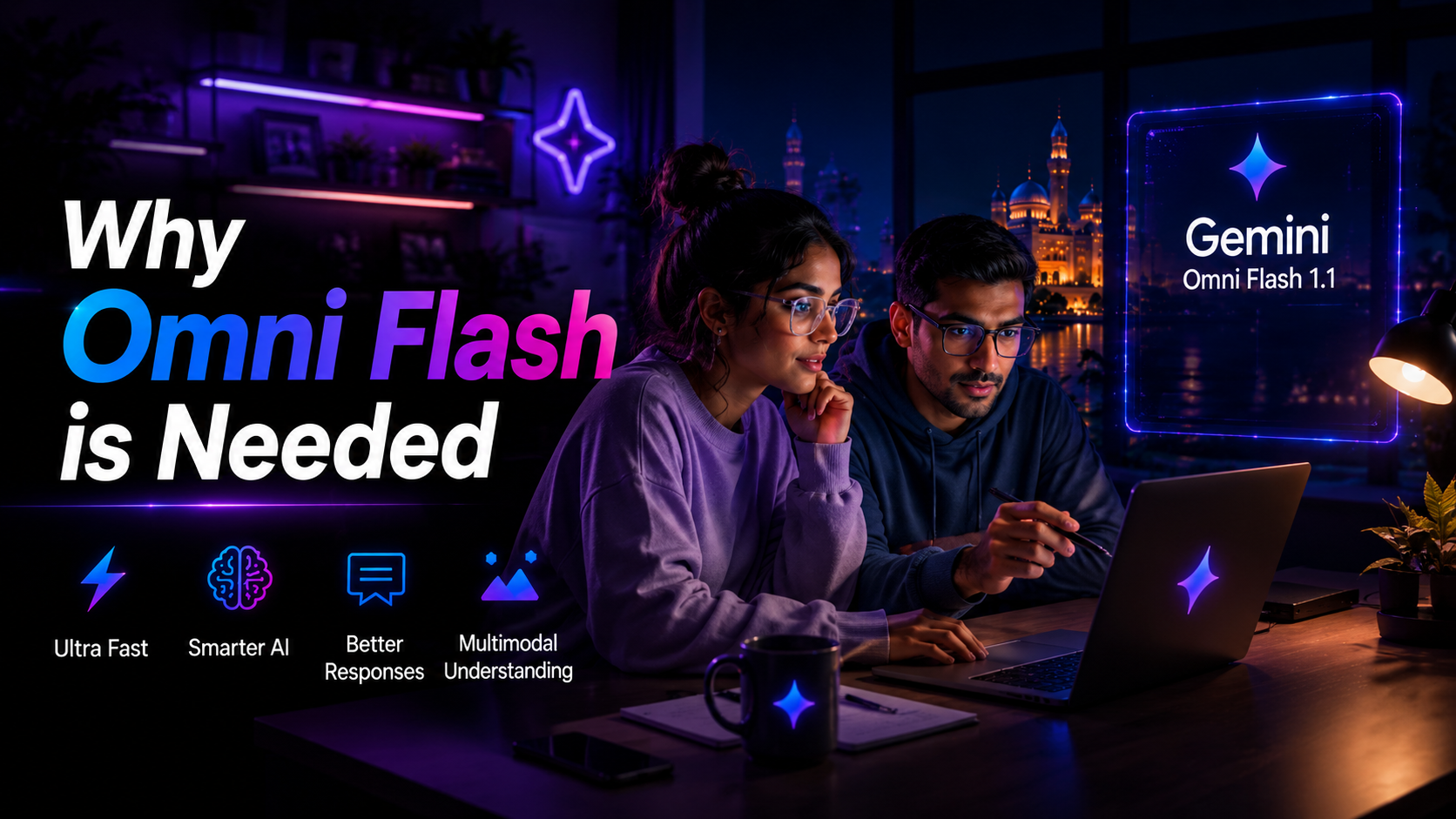
The traditional video creation process requires users to learn tools such as timelines, transitions, color correction, audio editing, and video exporting. These steps can be difficult and time-consuming, especially for beginners.
Omni Flash makes the process much easier by combining Gemini’s ability to understand text, images, audio, and video with advanced media generation capabilities previously handled by Google’s Veo models.
Core Capabilities
Gemini Omni Flash 1.1 is built around three primary capabilities:
Multimodal Input
The system can accept different combinations of text, images, short videos, and audio cues on supported surfaces to produce the desired result.
Video Synthesis
It can create short and coherent video clips of up to 10 seconds in length at 720p quality. The model supports both landscape (16:9) and portrait (9:16) orientations.It is capable of generating short yet coherent videos with a maximum duration of 10 seconds in 720p resolution. The architecture is compatible with both landscape and portrait video orientations.
Interactive Editing
Users need not fiddle with cutting frames or modifying different editing tools. They could just request the system to do the change using natural language. Changes can range from making something brighter, slowing down the last part, adding subtitles, or extending by three seconds. These can be done using the Interactions API or the conversational interface such as Google Flow.
In addition, Gemini Omni Flash 1.1 supports features such as video extension, resolution upscaling, and advanced frame interpolation. Gemini Omni 1.1 Flash – Google Blog
How Does It Work in Practice?
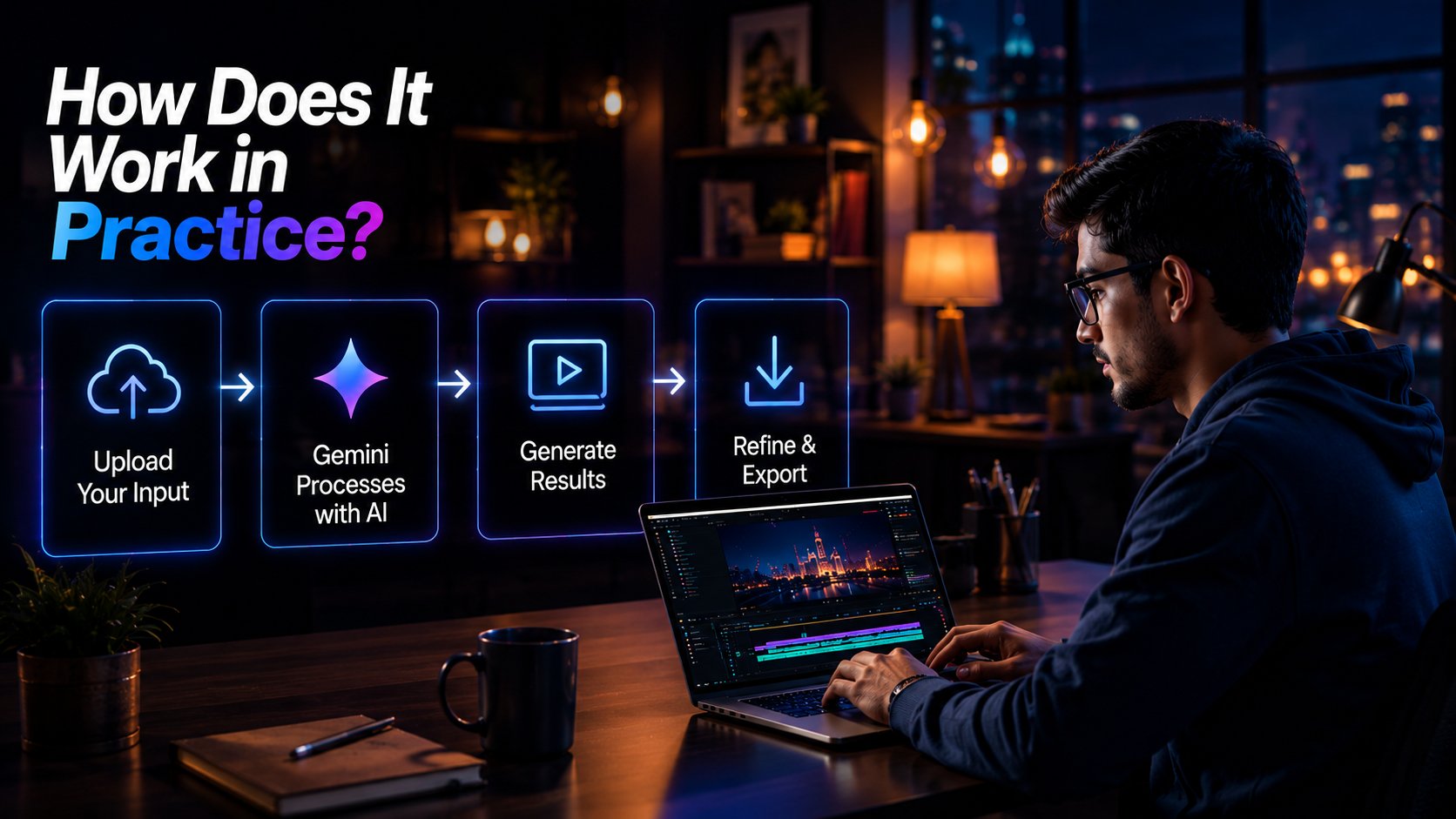
A standard process for using Gemini Omni Flash 1.1 is as follows:
1. Describe Your Concept in Text
Start by describing what you want to create. For example:
“Make a 10-second intro for my tech review channel, contemporary style, with blue and white colors and a logo animation.”
2. Provide Visual References
You can optionally upload up to five reference images to guide the character’s appearance, product design, color scheme, or scene setup.
3. Get the First Draft
Omni Flash produces a 720p video with synchronized audio tracks, including music, voiceover, and sound effects generated by the model.
4. Improve Through Conversation
You can adjust the video by giving additional instructions. For example:
- “Increase the size of the text.”
- “Change the music track to something more relaxed.”
- “Remove the first second.”
- “Add subtitles in English.”
5. Publish
After the creation of the video, it can be exported or published to such channels as YouTube Shorts, as well as used in other projects.
Since the model knows how to work with several types of input at once, you may, for instance, upload an image of the character, the sound of the voice, and also the lighting scheme, thus getting a video according to all of these criteria.
Where You Can Use It
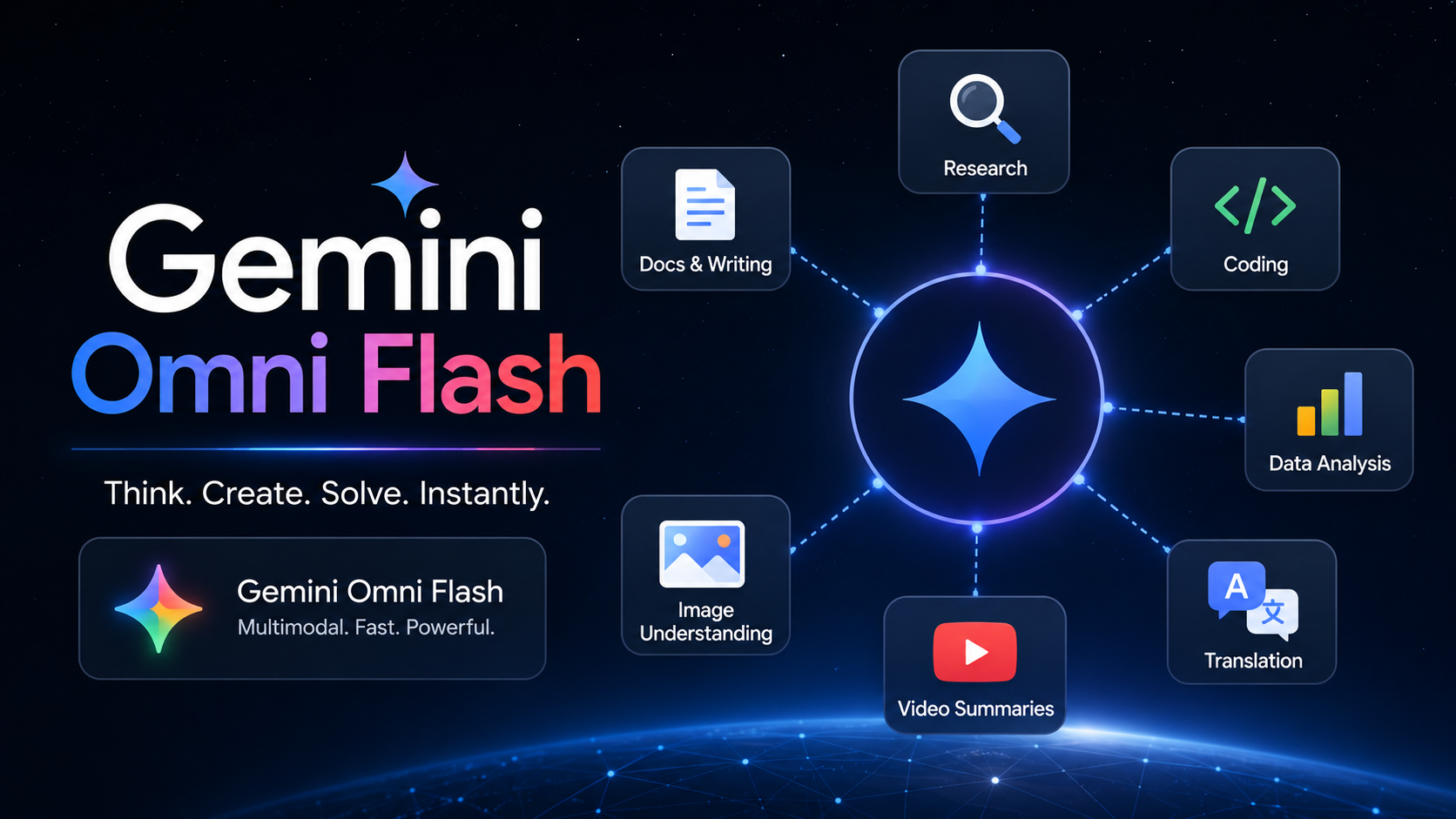
Gemini Omni Flash 1.1 is not a standalone app. Instead, it is a technology available across several Google platforms and services.
Gemini App
Omni Flash is available through the AI Plus, Pro, and Ultra editions of the Gemini app, with usage limits based on compute and weekly allowances.
Google Flow
Google Flow is an AI filmmaking interface that uses Omni Flash to provide richer, project-based video editing. Usage is based on monthly Flow credits, depending on your subscription tier. Google Flow
YouTube Shorts and YouTube Create
YouTube Shorts and the YouTube Create app have also received access to Omni Flash capabilities, allowing users to create and work with short-form videos.
It is important to note that the full developer API for Omni Flash was not available at launch, with the initial focus placed on consumer applications and Google Workspace.
The Unique Features of “Omni” and “Flash”
There are two key features that make Gemini Omni Flash unique:
“Omni”
“Omni” suggests that the model is inherently multimodal. Instead of processing text, images, audio, and video independently, it can understand and consider them together within a single reasoning space.
“Flash”
“Flash” refers to the model’s focus on fast processing. It is designed to provide quick iterations and allow users to make changes through conversational instructions.
Limitations and Real-World Application Considerations
Even though Gemini Omni Flash 1.1 is a powerful AI model, it still has some limitations that users should consider:
Length
Generated clips can be only about 10 seconds long. This makes Omni Flash useful for Shorts, Reels, advertisements, and video intros, but it is not ideal for creating entire scenes or longer videos in a single generation.
Resolution
The default output resolution is 720p. Users who need higher-quality video may need to use an additional upscaling tool. The Gemini API also supports 1080p and 4K output through upscaling.
Audio Input
In its initial version, audio file input was not available across all supported platforms. However, audio output is available, and support for audio input may expand in future updates.
Quality
Like other generative AI models, the quality of the output depends on factors such as the clarity of the prompt, the quality of the reference images, and the platform being used, whether it is the Gemini app, Google Flow, or YouTube.
Users should always review their generated videos before publishing, as the quality and results can vary.
Those Who Will Benefit the Most From the Model
Gemini Omni Flash 1.1 can be especially useful for several types of users:
Content Creators
Content creators who frequently produce short videos, intros, transitions, or advertisements can use Omni Flash to save time on editing and production.
Businesses
Businesses can use their existing images and scripts to quickly create professional-looking video advertisements without a lengthy production process.
Teachers and Coaches
Teachers and coaches can transform lesson plans, presentations, or slideshows into engaging videos that make their content easier and more interesting to understand.
Beginners
Beginners with little or no video editing experience can benefit from Omni Flash because it uses natural language instructions instead of requiring users to work with complex timelines, effects, and editing tools.
Relationship to the Tutorial Video
The YouTube tutorial titled “How to Edit Videos Using AI | Even with Zero Experience || Omni Flash” focuses on the same value proposition as Gemini Omni Flash 1.1: making video editing easier with AI, even for people with little or no previous editing experience.
The disclaimer at the beginning of the video explains that the tools used in the tutorial are provided for educational purposes only and that results may vary depending on the tool, its settings, and the input provided. This aligns with the importance of reviewing AI-generated content when using Omni Flash.
Such a tutorial would typically cover the following steps:
- Choosing a platform: Selecting where to work, such as the Gemini app, Google Flow, or YouTube tools.
- Preparing prompts: Writing clear prompts and selecting suitable reference images.
- Conversational editing: Adjusting timing, text, style, and other elements of the video through natural language instructions.
- Exporting the result: Preparing the finished video in the appropriate format for platforms such as YouTube Shorts or TikTok.
These steps directly correspond to the workflow designed for Gemini Omni Flash 1.1.
The Big Picture: “Create Anything from Any Input”
Google describes the long-term vision for the Omni family as “create anything from any input — starting with video.” The first member of the Omni family, Gemini Omni Flash 1.1, follows this vision by combining multimodal understanding with the ability to turn different types of input into short, editable videos with audio.
Future models in the Omni family are expected to support additional types of media and longer formats. For now, however, video remains the primary focus.
For creators, this represents a shift from “learning software” to “describing intent.” Instead of learning every button, timeline, and editing effect, users can describe what they want, provide good reference materials, and refine the result through conversation.