

If you’ve used Google Search recently, you’ve probably noticed that the search experience has changed dramatically. Search engine results are no longer just a simple list of blue links. Instead, Google now presents direct, comprehensive, and conversational answers right on the search page.
This fundamental change is driven by Google AI Mode (frequently referred to alongside Google’s AI Overviews and Search Generative Experience).
But what exactly is Google AI Mode, how does it work, and why does it matter to everyday web users, content creators, and business owners? In this ultimate guide, we will break down everything you need to know in simple, intuitive terms. Look best seo tools
What is Google AI Mode?
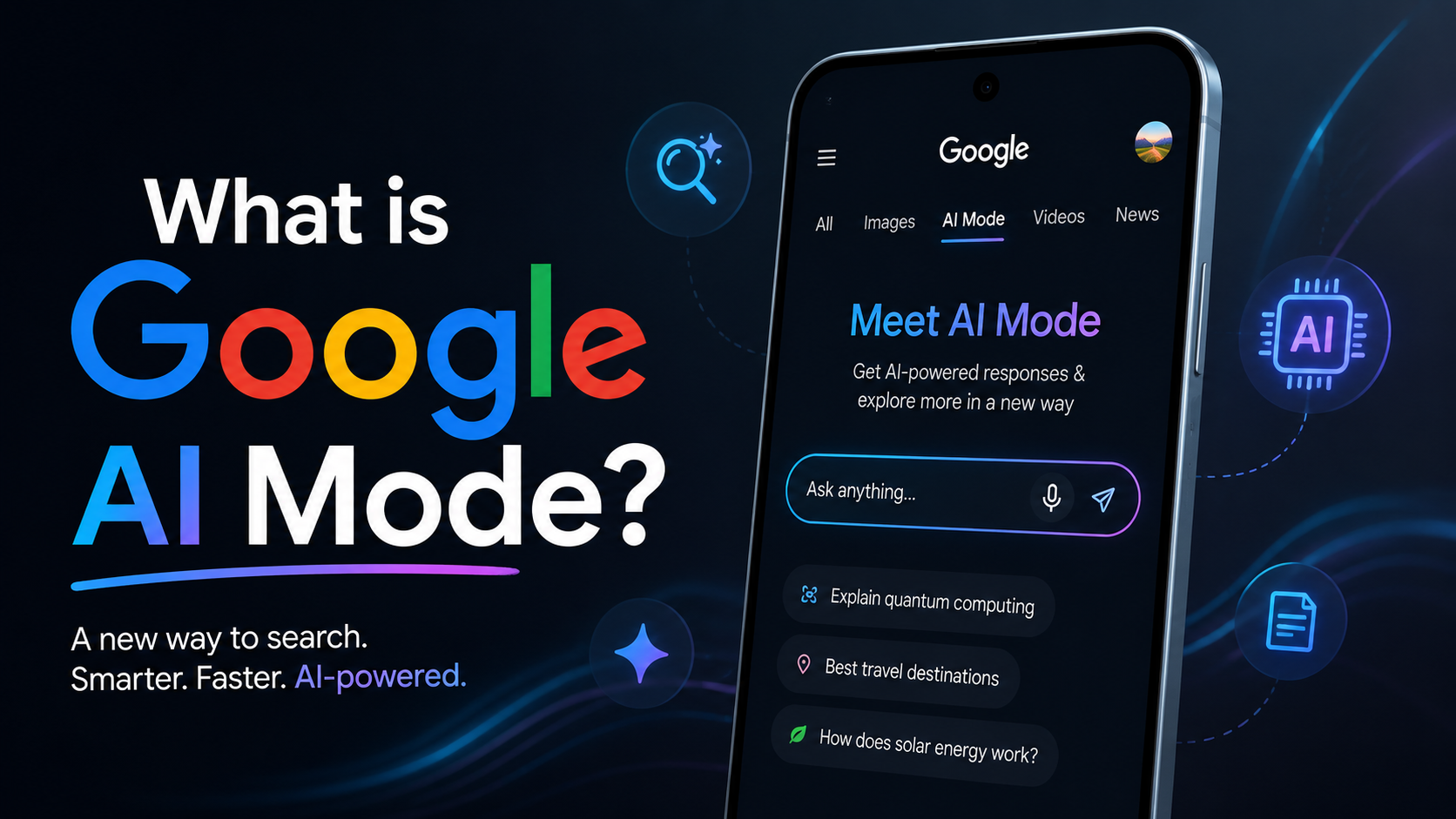
Google AI Mode is an advanced search feature powered by Google’s generative artificial intelligence models (including Gemini). Instead of forcing you to click through multiple websites to put together an answer, AI Mode scans millions of web pages in seconds to write an instant, synthesized solution specifically tailored to your question.
When you ask a complex question, Google AI Mode creates an interactive overview at the top of the search engine results page (SERP). It breaks down complex topics, gives follow-up options, and links directly to the sources used to construct the answer.
The Evolution of Google Search
To understand Google AI Mode, let’s take a look at how Google Search has evolved over the years:
- Traditional Search (Ten Blue Links): You typed in a keyword, and Google gave you a list of links to websites.
- Featured Snippets: Google pulled an exact paragraph from a single website to answer basic queries.
- Google AI Mode: Google reads multiple sources simultaneously and generates a brand-new, customized response tailored to your specific context.
How Does Google AI Mode Work?
Google AI Mode has moved past simple keyword matching. It is now based on advanced Natural Language Processing (NLP) to capture the real intent behind your search — not just the words you type.
Here is a simple breakdown of what is happening behind the scenes:
1. Understanding Complex Questions
Previously, planning a trip would require running several separate searches:
- “The best destinations for family in May”
- “Kid-friendly hotels in Italy”
- “Budget travel tips for Europe”
With Google AI Mode, you can bypass all of that and ask a natural, conversational question instead:
“Where can I go for a 5-day family vacation in Europe in May that is kid-friendly and under $2,000?”
AI Mode identifies every condition in that sentence — destination, timing, budget, and family-friendly requirements — and works to address them all together in a single response.
2. Multi-Source Synthesis
Once AI Mode understands your query, it scans top-ranking websites across the web. It pulls relevant data from blog posts, official travel sites, and customer reviews, summarizing them into a smooth, easy-to-read response.
3. Citing Web Sources
Google AI Mode does not use content without credit. It provides clear link cards pointing to specific publishers alongside or within the generated summary. This allows users to click through if they want to dive deeper into a specific point.
Highlights of Google AI Mode
Google AI Mode has numerous capabilities designed to make locating data faster and more intuitive.

1. Conversational Follow-Up Questions
Searching is no longer a one-shot process. If the AI assessment gives you a list of dishes, you can tap the “Follow-up” button and ask:
The AI updates the results without requiring you to start a new search from scratch.
2. Multimodal Inputs (Text, Voice, and Images)
You are not limited to typing your questions. Using tools like Google Lens, you can take a photo of a broken motorcycle part or an unknown plant, open Google AI Mode, and ask:
- “How do I fix this?”
- “How often should I water this?”
3. Integrated AI Overviews for Shopping and Travel
When searching for products or travel options, AI Mode compiles buyer guides, pros and cons, customer sentiment summaries, and live prices from various online stores — making product comparisons effortless.
Why Google AI Mode is Important for SEO and Website Owners
If you own a website or publish blog posts, Google AI Mode changes how you generate organic site traffic.
In the past, a #1 ranking on Google almost guaranteed high click-through rates. Today, because Google AI Mode answers queries directly on the search page, many users find what they need without clicking a single link — leading to an increase in Zero-Click Searches.
However, AI Mode also creates valuable new opportunities:
- High-Quality Traffic: Users who click on links embedded within an AI overview have higher intent, making them much closer to making a decision or purchasing a product.
- Focus on Authentic Content: Google prioritizes sources that demonstrate high credibility, original research, and clear expert insights — aligning with Google’s E-E-A-T framework (Experience, Expertise, Authoritativeness, and Trustworthiness).
How to Optimize Your Content for Google AI Mode
To ensure your website is featured inside Google AI Mode overviews, you need to refine your content approach using these practical steps:
1. Answer Questions Directly
Structure your content to provide a clear, direct solution within the first two sentences under any headline. Use clean, scannable formatting such as bullet points, numbered lists, and comparison tables.
2. Target Long-Tail, Conversational Keywords
Because users are now searching using natural language instead of rigid keywords, focus your content around real human questions. You can use keyword research tools like Semrush or Ahrefs to discover conversational search queries.
3. Provide Unique Insights and First-Hand Experience
While AI excels at summarizing existing information, it cannot replicate real human experience. Include original images, personal case studies, video walkthroughs, and unique expert insights in your content to stand out.
4. Ensure Fast Technical Performance
Your website must load fast and be completely mobile-friendly. Use trusted SEO tools like Rank Math to manage your schema markup and help Google’s crawlers efficiently index your structured data.
Free vs. Paid AI Search Tools: A Quick Comparison
While Google AI Mode is built directly into Google Search as a free feature, several other AI-powered engines exist today. Here is how Google AI Mode compares to its competitors:
|
AI Tool / Search Engine |
Access Model |
Best Feature |
Primary Use Case |
|---|---|---|---|
|
Google AI Mode |
Free |
Deep integration with live web index |
Daily web searches & local information |
|
Perplexity AI |
Free & Paid |
Academic citations & structured research |
Deep research & source checking |
|
ChatGPT Plus |
Paid ($20/mo) |
Conversational reasoning & creative writing |
Content creation & coding assistance |
|
Microsoft Copilot |
Free & Paid |
Integration with Bing and Office apps |
Enterprise & document management |
Pros and Cons of Google AI Mode
Like any technology, Google AI Mode comes with both advantages and disadvantages.
Benefits (Pros)
- Saves Time: Get immediate solutions to complex, multi-part questions instantly.
- Interactive: You can easily ask conversational follow-up questions to refine results.
- Visually Organized: Summaries are clean and structured, using bullet points, tables, and direct links.
Drawbacks (Cons)
- Occasional Hallucinations: Like all AI models, it can sometimes present inaccurate facts with high confidence.
- Impact on Publishers: Small websites may see reduced traffic and clicks for easily accessible informational topics due to zero-click searches.
Conclusion
Google AI Mode represents the biggest shift in search engine history since Google first launched. By blending generative AI with real-time web indexing, Google makes solving complex queries faster and simpler for users.
It provides a streamlined way to learn and discover new information. For content creators and business owners, this shift drives a renewed focus toward developing authoritative, high-value content that AI models will naturally want to cite.