
Introduction
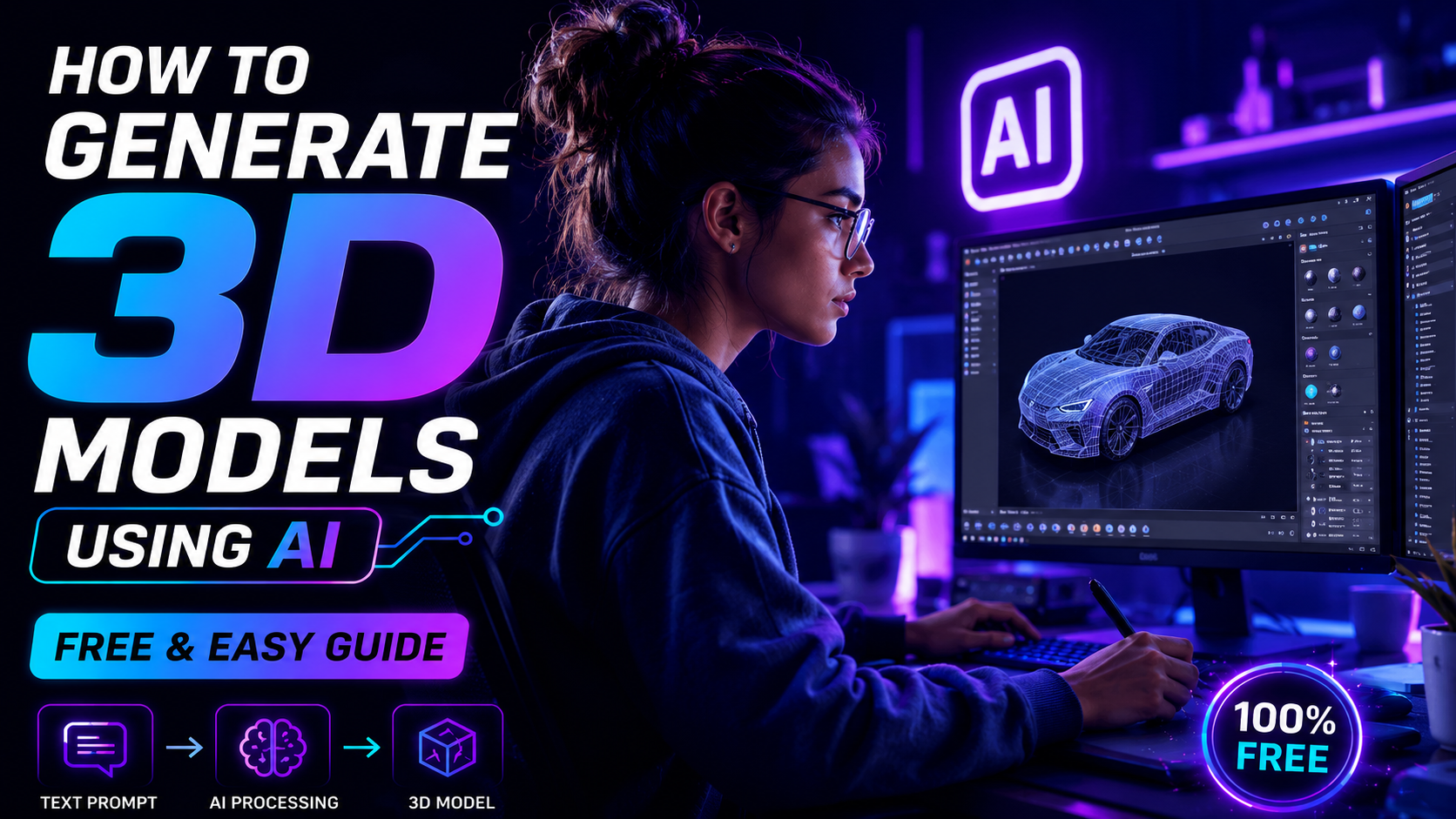
Have you ever wanted to make a 3D model but thought it was too hard? Traditional 3D layout involves months of exercise and high-priced computers. Thankfully, you can now effortlessly create gorgeous designs using AI 3D generators in just a few minutes.
These smart tools flip your written words or flat photos into realistic models. Whether you’re creating online games or designing websites, this technology will help you. Now, anyone can become a designer without prior modeling experience.
In this guide, we will walk you through how to use these automated platforms step-by-step. You’ll find the best free AI tools available now and learn how to download your own creations. Let’s dive in and bring your innovative ideas to life!
1. What is an AI 3D Model Generator?
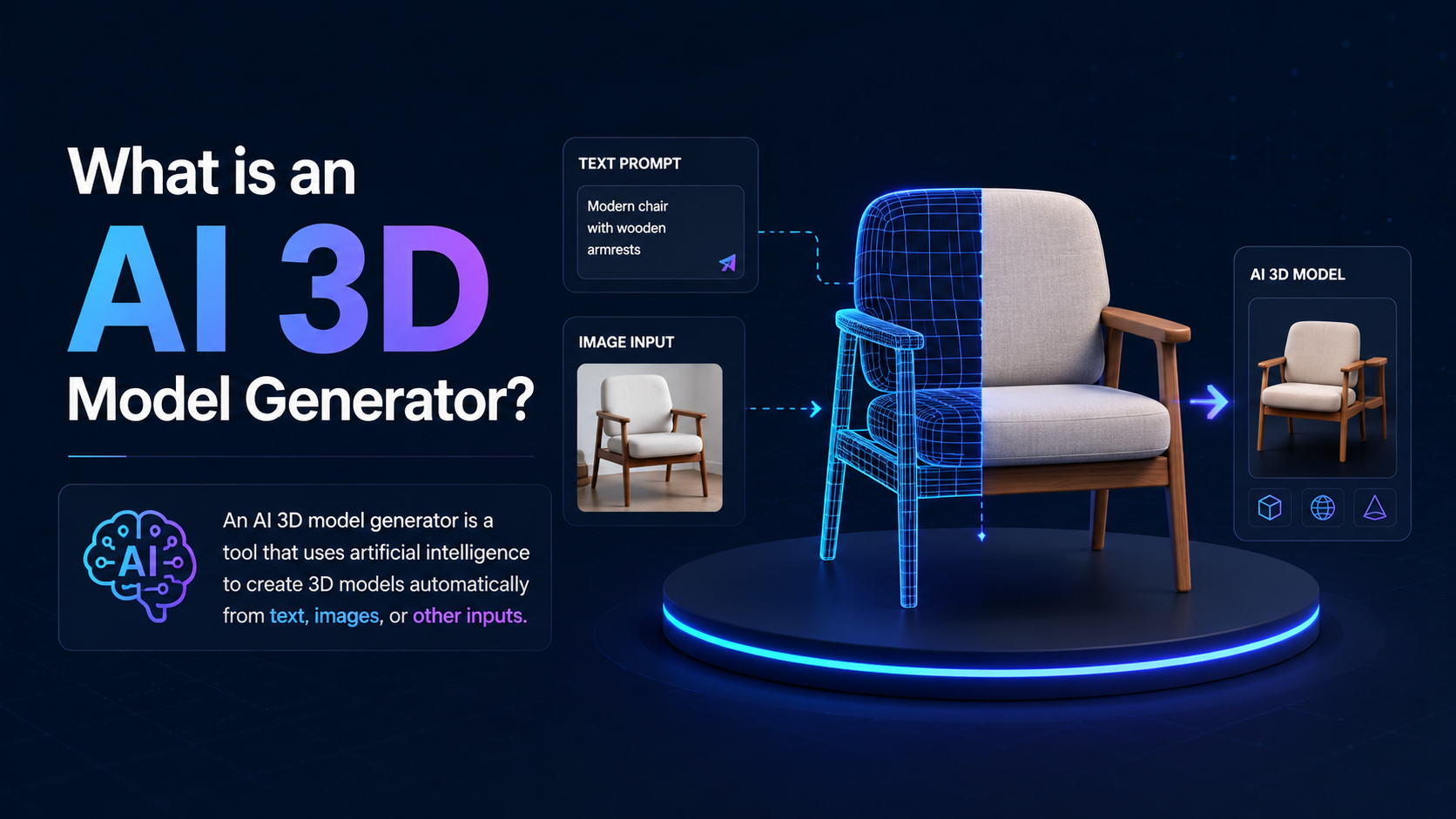
An AI 3D model generator is a software program that uses artificial intelligence to create 3D digital assets instantly. Instead of requiring you to manually craft or code complex shapes, the AI understands your commands and automatically generates a model for you.
🌟 How Does This Technology Work?
For users, it’s very simple to use. You just type what you want, and the AI creates it for you.
- Text to 3D: Type a simple description like “a wooden treasure chest”, and the AI will turn your words into a 3D model. from scratch.
- Image-to-3D Conversion: You upload a standard 2D flat photo, and the AI automatically calculates the depth, angles, and geometry to turn it into a solid 3D asset.
🚀 Major Advantages of Using AI for 3D Design
The main benefits for creators, developers, and designers using these modern automated platforms include:
- ⚡ Fast Results: Traditional 3D modeling can take many hours or even days to finish. AI tools can generate a complete, textured model in just a few seconds.
- 💰 Cost-Effective: You don’t need to purchase expensive, heavy design software or high-end computers. Most AI generators run smoothly right inside your web browser.
- 🎨 No Skill Required: You don’t need to learn complicated geometry, topology, or lighting techniques. The user interfaces are beginner-friendly, making them perfect for absolute novices.
2. The Best Free AI Tools for Creating 3D Models
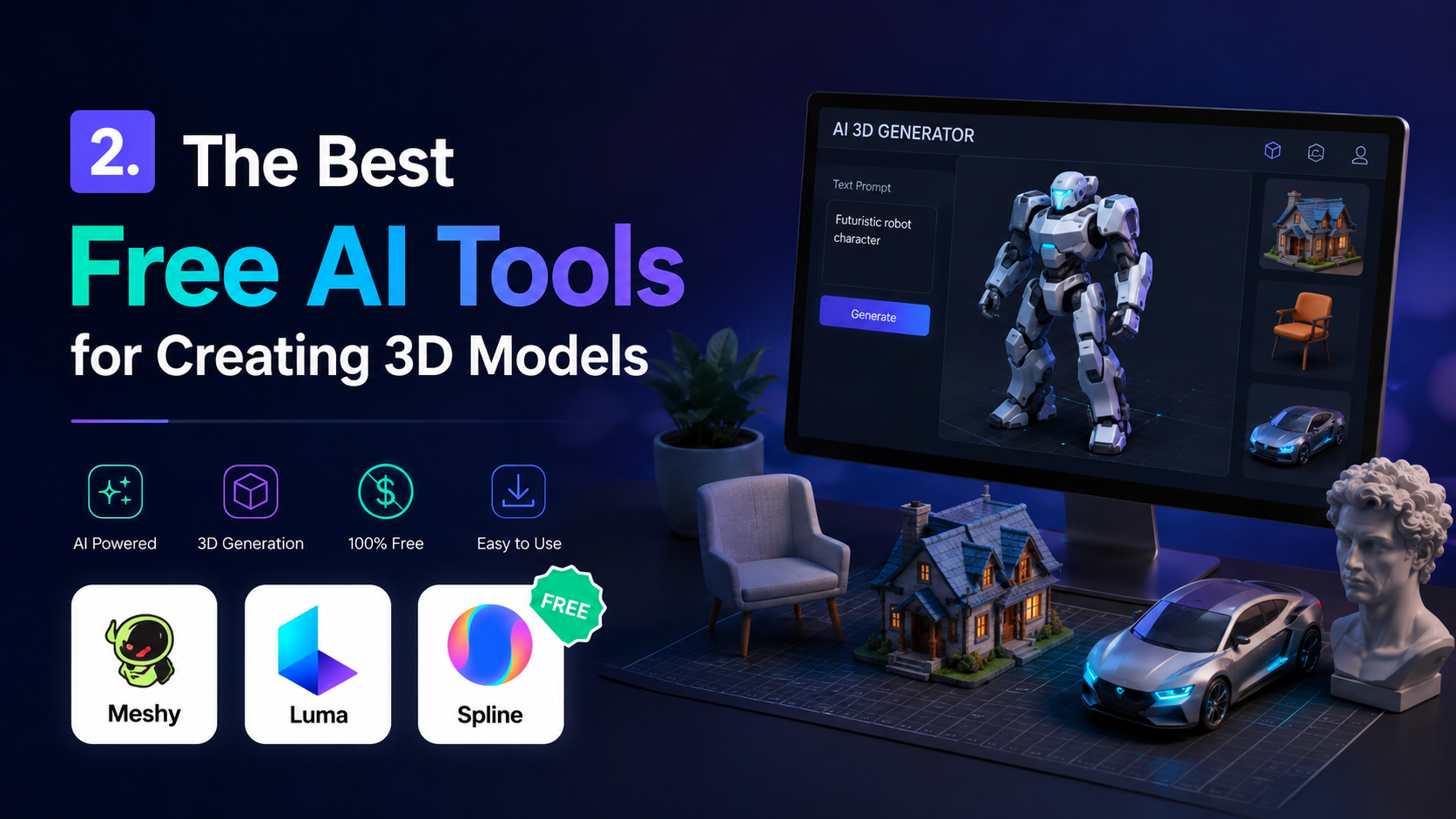
These days, you don’t need to buy high-priced software or have a powerful computer to start creating 3D artwork. Excellent, accessible AI systems are available online, allowing you to generate high-quality models right from your web browser.
🛠️ Top 3 AI Tools You Can Use Right Now
Here are the best free tools, and each one is great for a specific task:
1. Luma AI (Genie)
Luma AI is a highly popular platform recognized for its exceptional speed and high accuracy. It features a dedicated tool called Genie that is designed specifically for beginners.
- Best For: Fast creation of 3D objects using simple text prompts.
- Key Feature: It instantly generates four unique 3D variations, giving you multiple options to choose from.
2. Meshy AI
Meshy AI is a powerful tool designed for creators who need more intricate details in their designs. It is ideal for game developers and digital artists alike.
- Best For: Turning flat 2D snapshots into high-quality 3D assets with rich textures.
- Key Features: Excellent at automatically developing realistic colors, textures, and surface details.
3. Spline AI
Spline AI combines the power of artificial intelligence with a professional 3D editing workspace. It is highly recommended for web developers and UI designers.
- Best For: Designers who want to easily edit, animate, and embed interactive 3D models directly onto websites.
- Key Features: You can use AI text prompts to adjust shapes, modify materials, or change colors inside a live, collaborative 3D canvas.
📊 Quick Comparison Table
|
AI Tool Name |
Primary Input Type |
Best Used For |
Free Tier Available? |
|---|---|---|---|
|
Luma AI (Genie) |
Text Prompts |
Fast & Simple Objects |
Yes 🟢 |
|
Meshy AI |
2D Images / Text |
High-Texture Assets |
Yes 🟢 |
|
Spline AI |
Text / Manual Editing |
Interactive Web Design |
Yes 🟢 |
3. Step-by-Step Guide: How to Generate Your First 3D Model
Using artificial intelligence to create your first real 3D is an incredibly simple method. You don’t need any complex background settings or design experience. Just follow these four simple steps to bring your ideas to life in a realistic way.
🛠️ Four Simple Steps to Success
1. Select Your Preferred AI Tool
The first step you need to take is to choose a reliable, free online platform. For this brief guide, we recommend trying an accessible browser-based tool like Meshy AI or Spline AI.
- Action: Create a free account using your Google email to get started immediately.
2. Enter Your Creative AI Prompt
Once you open the software dashboard, find the text generation field. This is where you tell the machine exactly what you want to create.
- Example: Type a clear, detailed description such as: “Futuristic purple sports car with neon glowing wheels.”
- Pro Tip: The more descriptive your words are, the more specific and accurate the final item will be.
3. Click Generate and Let the AI Work
After you enter your prompt, simply click the “Generate” or “Run” button. The algorithm will immediately start calculating depth, structure, and surface textures from scratch.
- Duration: Sit back and wait for only 30 to 60 seconds.
- Review: The platform will show you a live preview that you can rotate 360 degrees to check from every single angle.
4. Download and Export Your 3D File
If you are happy with the visual results, it is time to save the masterpiece to your computer so you can use it in your digital projects.
- Action: Click Export Options and select a standard industry format such as .OBJ or .GLTF (which are fully compatible with Blender, Unity, and modern web configurations).
4. Tips for Achieving Better Results
Although state-of-the-art artificial intelligence software is incredibly clever, the final quality of your 3D model depends heavily on how you guide the system. To avoid distorted shapes and get the most professional and realistic results, keep these essential expert tips in mind:
💡 Pro Techniques for Perfect AI 3D Design
1. Be Very Specific with Your Text Prompts
Vague words lead to generic and uninspiring designs. If you want the tool to create something beautiful, you should use precise descriptive attributes, specify materials, and clearly describe the style.
- Weak Prompt: “A chair.”
- Better Prompt: “A minimalist modern office chair made of dark leather with polished chrome legs, highly detailed.”
2. Use High-Quality Images with Clean Backgrounds
When using the image-to-3D feature, your source image is everything. If the image is blurry or has a cluttered background, the AI will get confused and create unwanted, distorted shapes.
- Ideal Setup: Upload high-resolution photographs that feature a single object standing against a solid, neutral background (such as plain white or gray).
- Lighting: Make sure the object has even, well-distributed lighting without harsh, dark shadows.
The Final Thought
Artificial intelligence is completely changing how we create art, develop online games, and design websites. With AI tools, you can easily eliminate the steep learning curves and technical barriers that have held back creators for years.
You no longer need an expensive studio or years of specialized education to build 3D models. Whether you want to upgrade your blog imagery, enhance a user interface, or quickly prototype design layouts, these AI platforms offer a fast, seamless solution.
Check out tools like Luma AI, Meshy AI, or Spline AI today. Dive in, experiment with your ideas, and watch your creative vision come to life in just a few seconds!